
Face Shape Detector
Upload a photo or turn on your camera and our AI measures your forehead, cheekbones, jaw and face length to tell you which of the 10 face shapes you have: oval, round, square, oblong, rectangle, heart, diamond, triangle, inverted triangle or pear. It's free, takes about five seconds, and your photo never leaves your device.
- Photo never uploaded
- Results in seconds
- No sign-up
Get your result in 3 steps
Add a photo
Upload a front-facing photo or turn on your camera.
AI measures your face
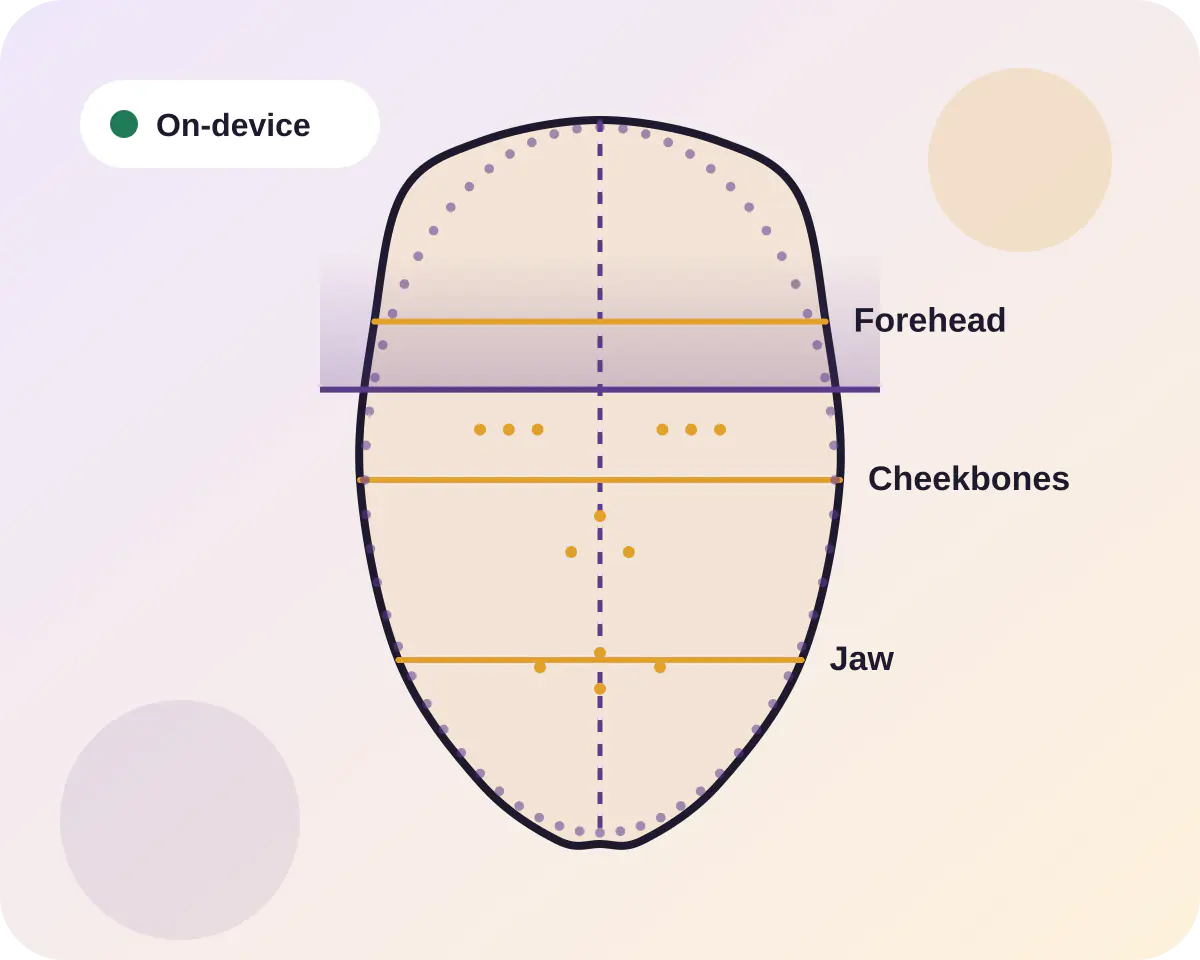
478 landmarks are placed and measured right in your browser.
Get your result
See your match, the measurements behind it and what to do next.
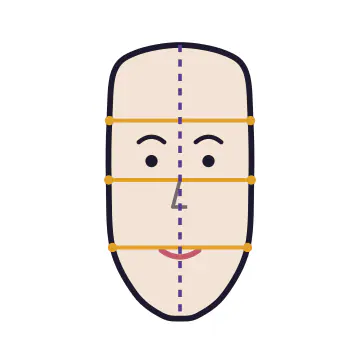
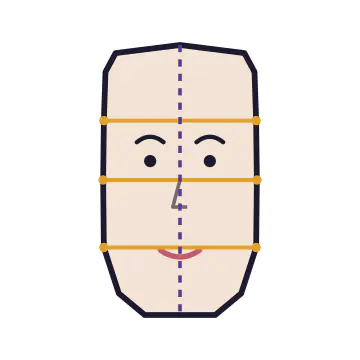
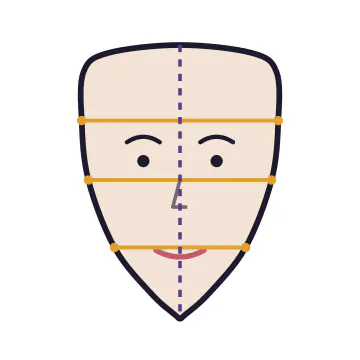
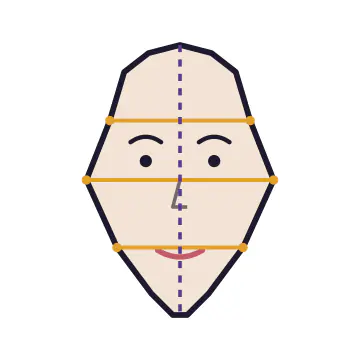
What is your face shape? The 10 types
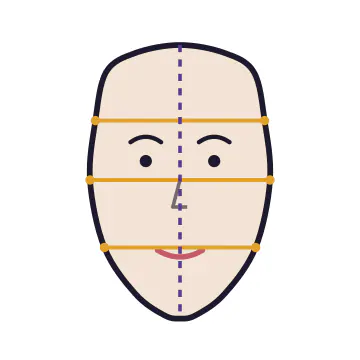
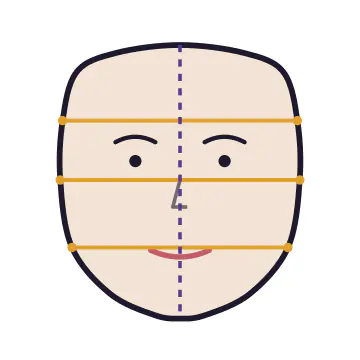
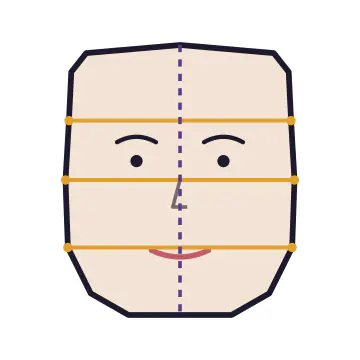
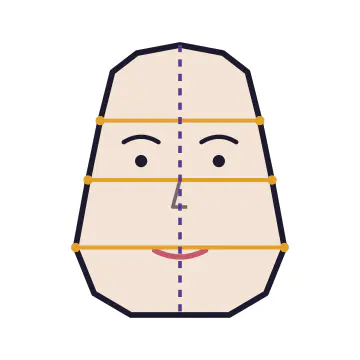
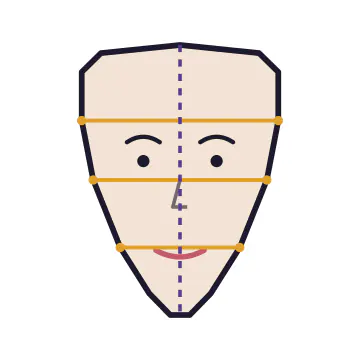
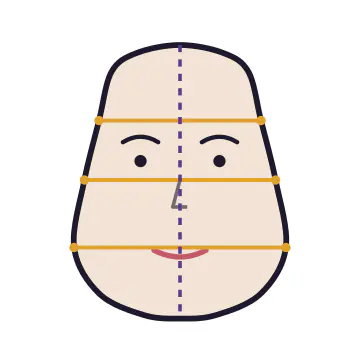
Tap a shape to see its proportions, best hairstyles, glasses and celebrity examples.
Why people use our face shape detector
Private by design
The AI runs inside your browser. Your photo is never uploaded, stored or seen.
Calibrated on real faces
We compare your proportions with measurements from real photos, not drawings.
Shows your blend
Most faces mix two shapes, so you see a percentage match for all ten.
Advice you can use
Every result links to haircuts, glasses, beards and makeup for your shape.
Live camera mode
Watch your face shape update in real time, then capture for a full reading.
Share your result
Save a result card for Instagram, TikTok or Pinterest. It never includes your photo.
More free face analysis tools
How the face shape detector works
- It finds 478 points on your face. We use Google's MediaPipe Face Landmarker, a face model that runs inside your browser, to place 478 landmarks on your face: your hairline area, cheekbones, jaw corners, chin and more.
- It levels your face. If your head is tilted, we rotate the landmarks so your eyes are level before measuring.
- It measures four widths and one length. Forehead width, cheekbone width, jaw width, chin width and face length, plus the angle of your jaw corners.
- It compares you to real faces. We calibrated the detector on real photos measured with the same model, so a "wide jaw" means wide compared to real people, not to a drawing.
- It scores all 10 shapes. You get your best match plus a percentage for every shape, because most people are a blend.
What each result means
| Face shape | Key proportions |
|---|---|
| Oval | About 1.5× longer than wide, widest at cheekbones, soft jaw |
| Round | Similar length and width, full cheeks, soft jaw |
| Square | Forehead, cheekbones and jaw similar width, angular jaw |
| Oblong | Long and narrow, rounded jaw |
| Rectangle | Long, with an angular jaw |
| Heart | Wide forehead, narrow pointed chin |
| Diamond | Widest at cheekbones, narrow forehead and jaw |
| Triangle | Jaw wider than forehead, angular |
| Inverted triangle | Wide forehead, angular narrow jaw |
| Pear | Full, wide jaw, narrow forehead |
See every shape side by side in our face shapes chart.
Live camera mode (face shape filter)
Tap Use my camera to see a live face shape filter: the outline of your face and your measurement lines track you in real time, with your current face shape on screen. Press Capture & analyze for a full reading.
How to take the right photo
- Face the camera straight on. Turning your head shrinks one side of your face and skews every ratio.
- Keep your chin level. Tilting up makes the face look shorter; tilting down makes the jaw look narrower.
- Pull your hair back so your hairline, forehead and jaw are visible.
- Use even, front-facing light. Window light is ideal. Avoid strong side shadows.
- Neutral expression, mouth closed. Smiling widens the cheeks and changes the jaw.
- Hold the camera at eye level, about an arm's length away. Close-up selfies distort the face (the nose looks bigger and the face narrower).
How to find your face shape without a photo
Prefer not to use a photo? Take the face shape quiz, or measure yourself with a soft tape and use the face shape calculator.
How accurate is it?
The detector is as accurate as the photo. With a straight-on, well-lit photo and hair pulled back, it measures your proportions consistently. Face shape categories have fuzzy edges, though. Stylists often disagree about borderline faces, so look at your top two results. If your top two are close, you're a blend, and advice for both shapes applies.
Your photo stays on your device
The analysis runs entirely in your browser using an on-device face model. Your photo is never uploaded, stored or seen by anyone, and nothing is saved when you close the page. Read our privacy policy and how our detector works.
Frequently asked questions
What is my face shape?
Upload a front-facing photo to our free detector and it will measure your face and tell you whether you're oval, round, square, oblong, rectangle, heart, diamond, triangle, inverted triangle or pear, with a percentage match for each.
Is the face shape detector free?
Yes. It's completely free with no sign-up.
Do you store my photo?
No. The analysis runs in your browser and your photo is never uploaded.
Why did I get a different result with another photo?
Head angle, lens distortion and expression change your measured proportions. Use a straight-on photo at arm's length with a neutral face. If two photos disagree, you're probably a blend of both shapes.
How many face shapes are there?
Most stylists use 7–10. We use 10: oval, round, square, oblong, rectangle, heart, diamond, triangle, inverted triangle and pear.
What is the most common face shape?
Oval is generally described as the most common, followed by round, square and heart.
Can I use it on my phone?
Yes. It works in modern mobile browsers on iPhone and Android, with photo upload or the front camera.
Tried it? Tell us how it went
We read every message and use your feedback to make the detector more accurate. Share your result, a suggestion or a bug.